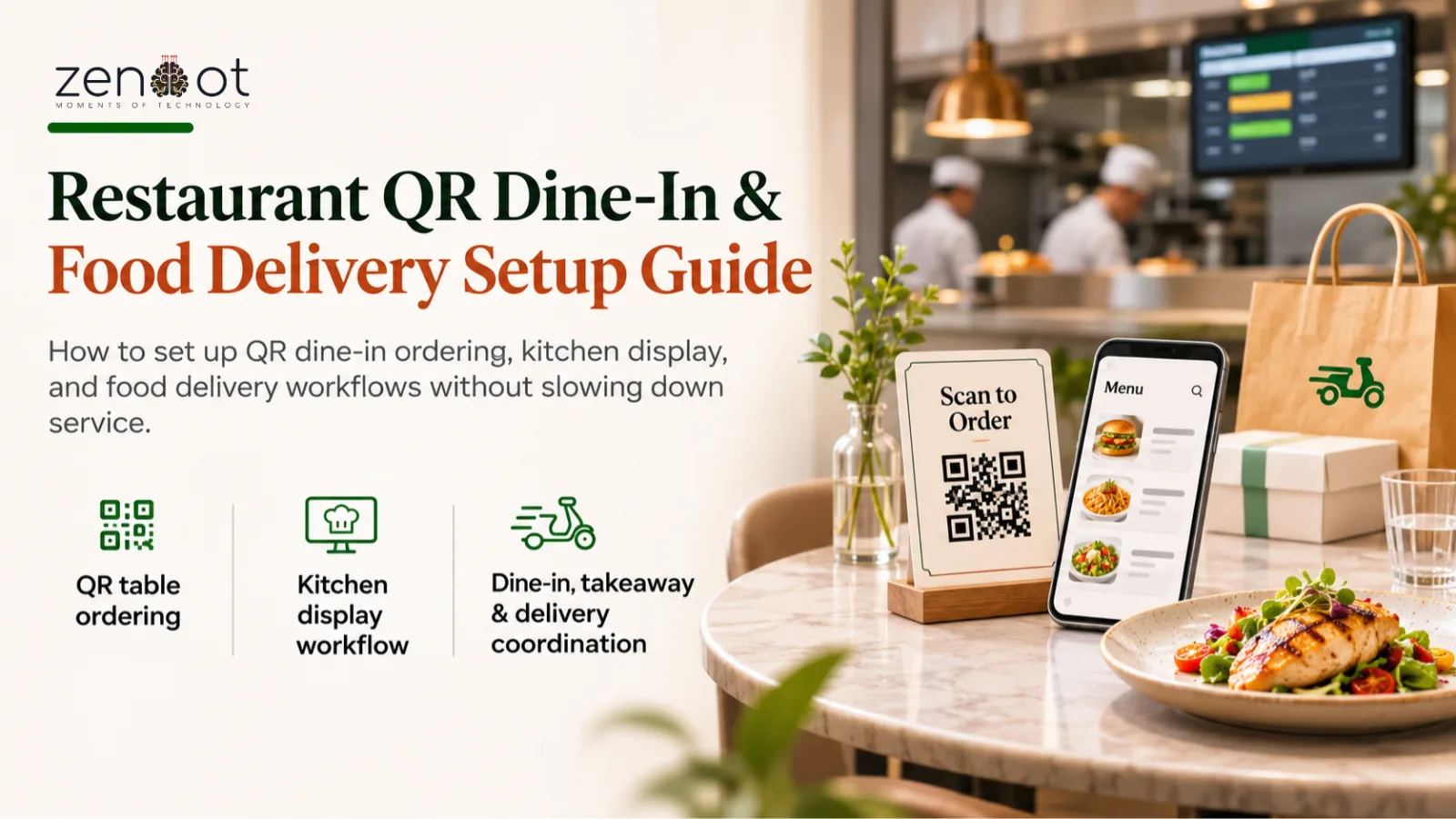
A restaurant does not have one order flow. It has at least three: dine-in, takeaway, and delivery. QR ordering adds a fourth channel that looks simple to buyers but creates new coordination work for the kitchen and floor team.
This guide covers the setup decisions that matter for restaurant POS and food delivery software in Bangladesh, from table QR codes to delivery dispatch and end-of-day reconciliation.
Why QR ordering works in busy restaurants
QR ordering removes the first bottleneck: waiting for someone to take the order. It also reduces transcription errors because the guest selects items instead of dictating them across a noisy room.
The benefit disappears if the menu is out of date or the kitchen cannot see the order immediately. Treat menu sync and kitchen display as part of the same system, not separate tools.
The minimum setup
- One QR code per table, mapped to a table ID so orders and bills do not mix.
- A live menu with availability toggles; sold-out items must disappear or show clearly.
- Kitchen display or printed ticket routing by station (grill, fry, drinks, dessert).
- Order status the floor team can see: received, preparing, ready, served.
- A fallback path for guests without a smartphone or who prefer a staff member to order.
Dine-in and delivery are different workflows
Dine-in orders are paced by the table and the kitchen. Delivery orders are paced by pickup time and rider arrival. Mixing them in one queue without priority rules creates cold food on both sides.
Separate the queues, then add a rule for peak-hour cutoffs. For example, delivery may need a longer prep buffer on Friday evening, while dine-in tickets should not wait behind a batch of delivery orders.
- Dine-in: table, covers, course timing, split bills.
- Takeaway: pickup time promise and a customer notification when ready.
- Delivery: address, rider assignment, dispatch time, and failed-delivery handling.
- Aggregator orders: keep the channel tag so reporting separates marketplace commission from direct orders.
Metrics to watch
- Table turn time and average order value by shift.
- Kitchen ticket time from order to ready, separated by station.
- Delivery late rate and cancellation rate by channel.
- Item-level sold-out frequency to improve purchasing.
- Discount and void usage by staff member to catch process abuse.
Related resources
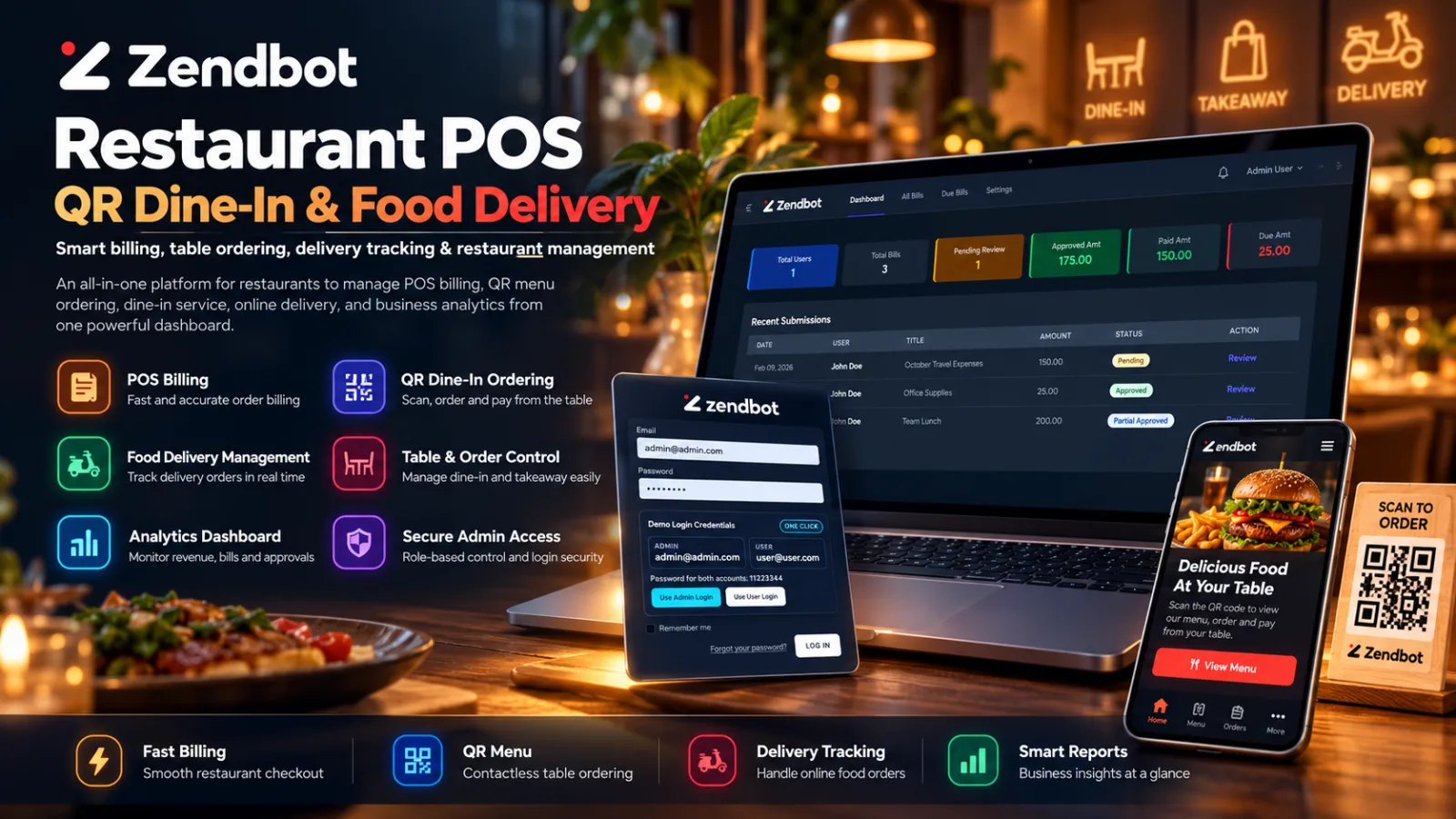
- Zendbot Restaurant POS, QR Dine-In & Food Delivery
- Custom Software Development
- POS and Ecommerce Integration in Bangladesh
- Order Fulfillment Workflow for Ecommerce Teams
Frequently asked questions
Do I need new hardware for QR ordering?
Not necessarily. A tablet or existing POS terminal can show the kitchen display. You may want a small printer if some stations still work from paper tickets.
Can guests pay from the QR menu?
Yes, if the payment flow supports bKash, Nagad, cards, or cash at the counter. Make the payment method obvious before the guest submits the order.
How do we handle sold-out items during service?
Use an availability toggle that updates the QR menu immediately. A sold-out item that still accepts orders creates refunds and unhappy guests.
Should delivery and dine-in share one menu?
Usually yes for items, but prices, packaging charges, and availability can differ. Model those rules per channel instead of duplicating the menu.
What report should owners check daily?
Start with sales by channel, ticket time by station, voids and discounts, and delivery late rate. These four expose most operational problems quickly.
Next step: Planning a QR dine-in rollout? See the restaurant POS module or request a demo with your outlet count.