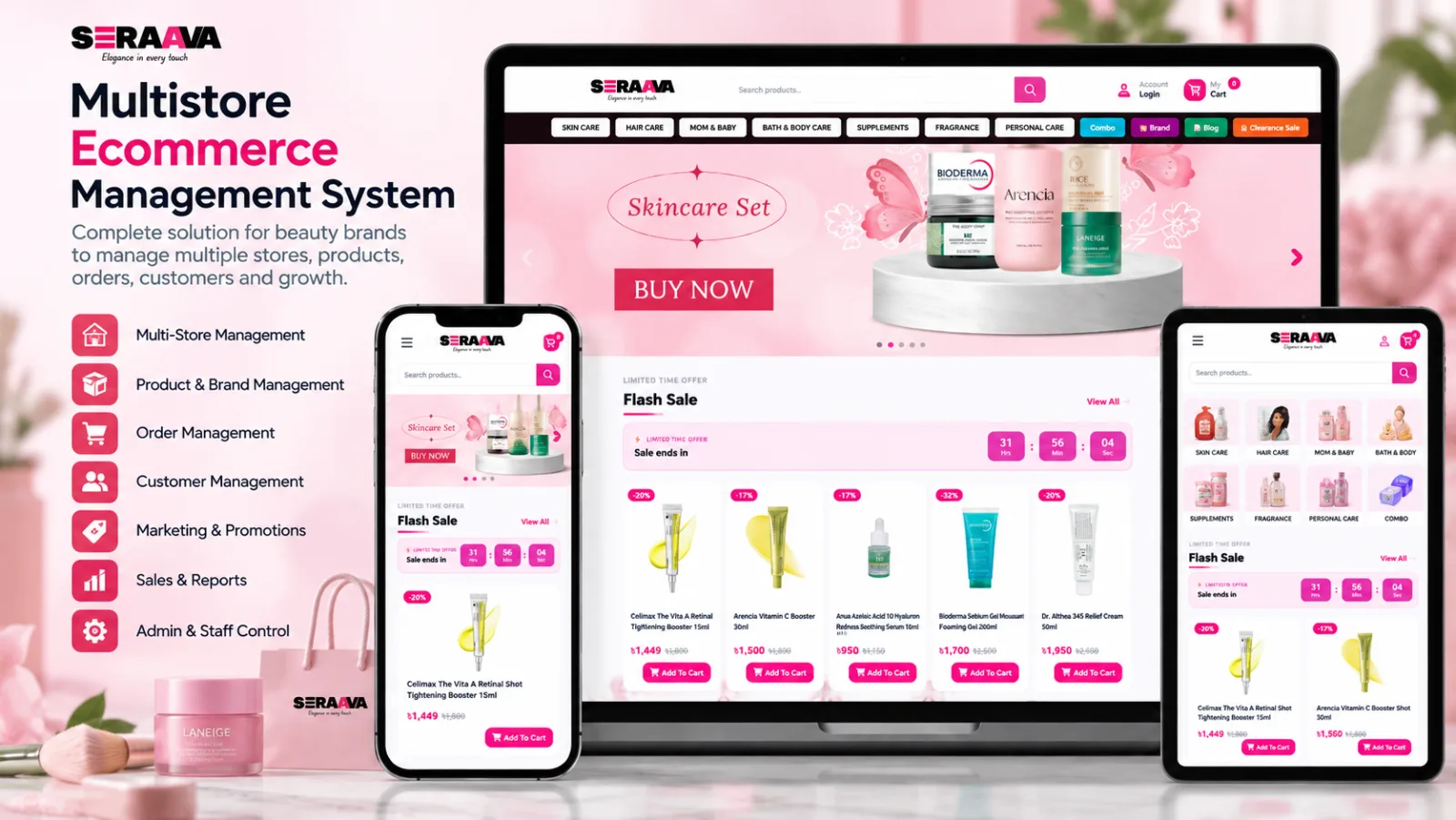
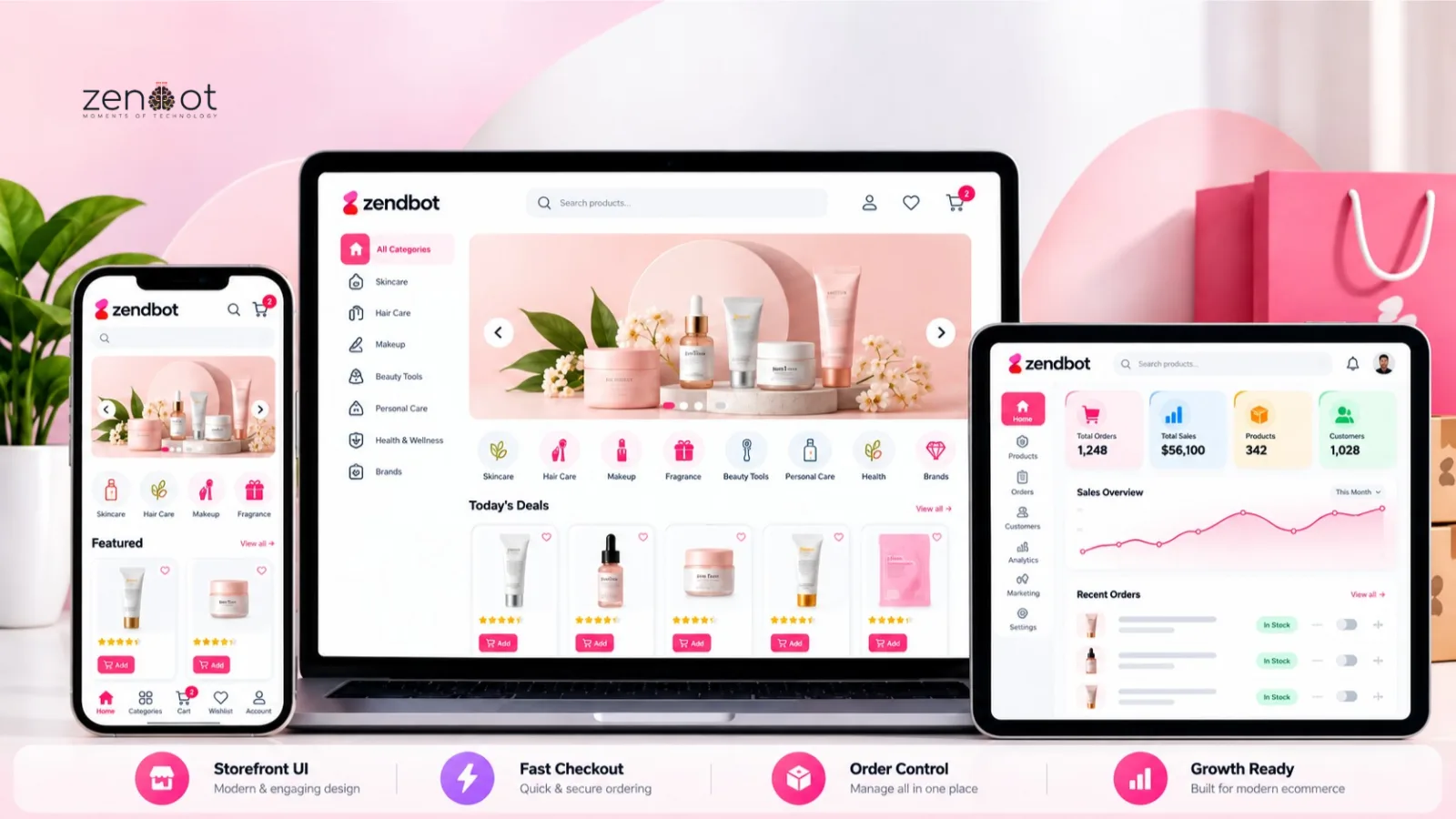
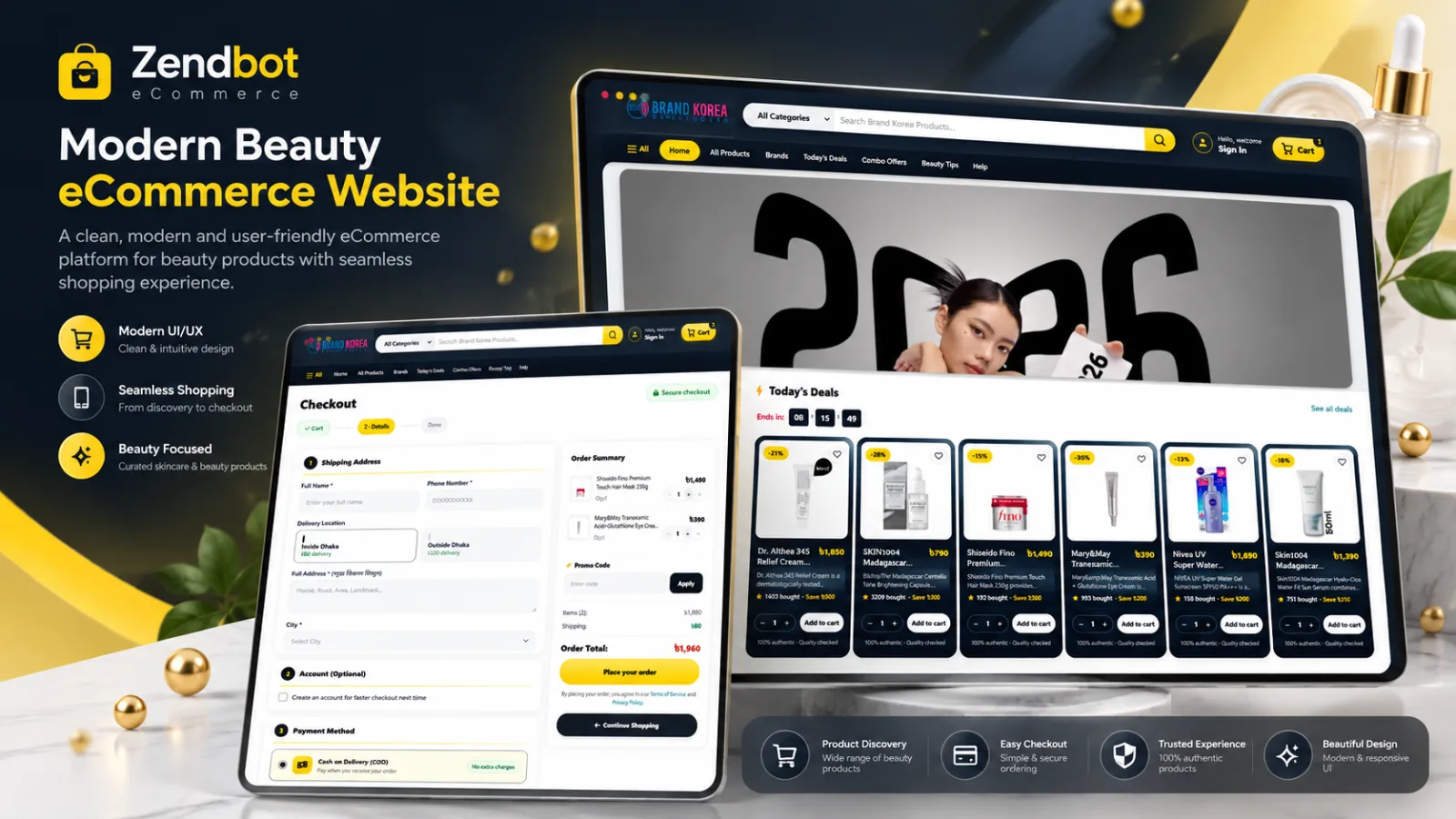
Beauty brands often grow into several storefronts: one for the main brand, one for a sub-brand, one for wholesale, or one per region. Multistore software lets you run them from one admin without duplicating every product by hand.
The trade-off is complexity. Shared inventory, different pricing, and overlapping SEO can create expensive mistakes. This guide covers when multistore makes sense and how to set it up with beauty ecommerce software.
Multistore vs one store with collections
Do not open a second storefront just because you have a second audience. If the products, pricing, and checkout are the same, collections and landing pages are usually enough. Split stores when the catalog, currency, brand, or customer experience genuinely differs.
- Use one store with collections when only the merchandising differs.
- Use multistore when brands, pricing, or fulfillment rules differ.
- Use a separate B2B storefront when wholesale pricing and minimum order rules apply.
Catalog and pricing rules
- Decide which fields are global (SKU, ingredients, images) and which are per store (price, title, description).
- Avoid editing the same product in two places without a clear source of truth.
- Set per-store price lists for retail, wholesale, and promotions.
- Keep variant structure consistent so inventory stays accurate across stores.
Inventory across storefronts
Shared inventory is the main operational benefit, and the main risk. If two stores sell the last unit at the same time, one customer gets a cancellation. Reserve stock at checkout and reconcile reservations when payment is confirmed.
- Use one stock pool per physical location, not per storefront.
- Allow per-store availability rules for exclusives or bundles.
- Handle pre-orders separately so they do not consume current stock.
- Reconcile cancellations and returns back to the same pool.
SEO for multistore
- Write unique titles and descriptions for each store; duplicated product copy competes with itself.
- Use a clear URL structure per store and avoid cross-store canonical mistakes.
- Set hreflang only when stores target different languages or regions.
- Submit each store sitemap separately and monitor indexing by store.
- Link between stores sparingly and intentionally, not in every footer.
Related resources
- Multistore Ecommerce for Beauty Brands
- Web Application Development
- Best Ecommerce Platform in Bangladesh for Small Businesses
- Ecommerce URL Structure Best Practices
Frequently asked questions
Do I need separate domains for each store?
Not necessarily. Subdirectories can work and often consolidate authority. Use separate domains when brands need distinct identities or legal entities.
Can inventory be shared across storefronts?
Yes, and it should be if the same stock fulfills both. Reserve stock at checkout and reconcile cancellations to avoid overselling.
Will multistore hurt SEO?
Only if the stores publish duplicate content or confuse canonicals. Unique copy, clean URL rules, and per-store sitemaps keep the setup safe.
Should wholesale and retail share a storefront?
Usually not. Wholesale needs different pricing, minimum orders, and account approvals. A separate storefront or gated section is cleaner.
What is the first step before launch?
Define which product fields are global and which are per store. That decision prevents most duplicate work and data conflicts later.
Next step: Planning a second storefront? See the beauty multistore platform or discuss your brand structure.