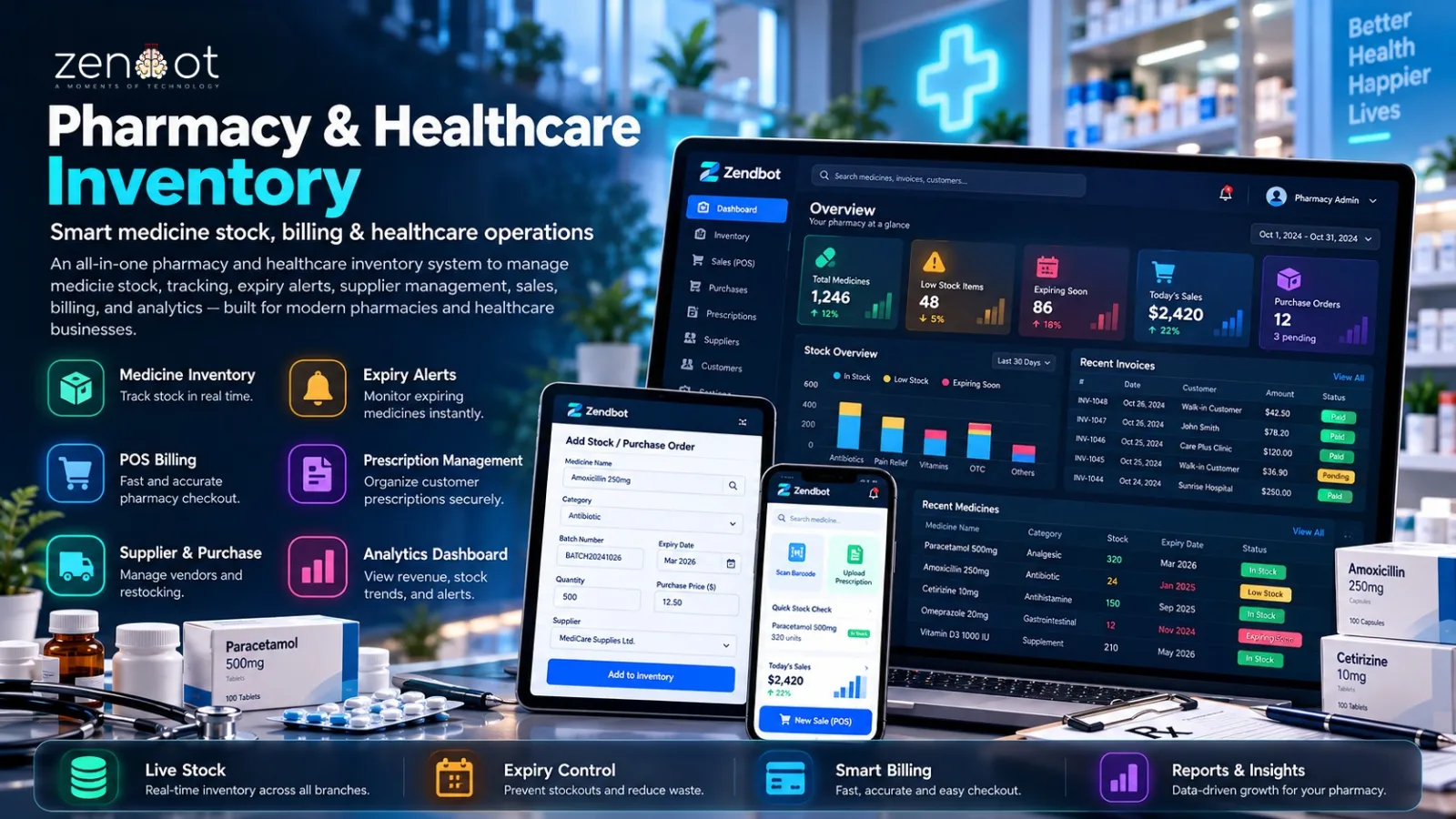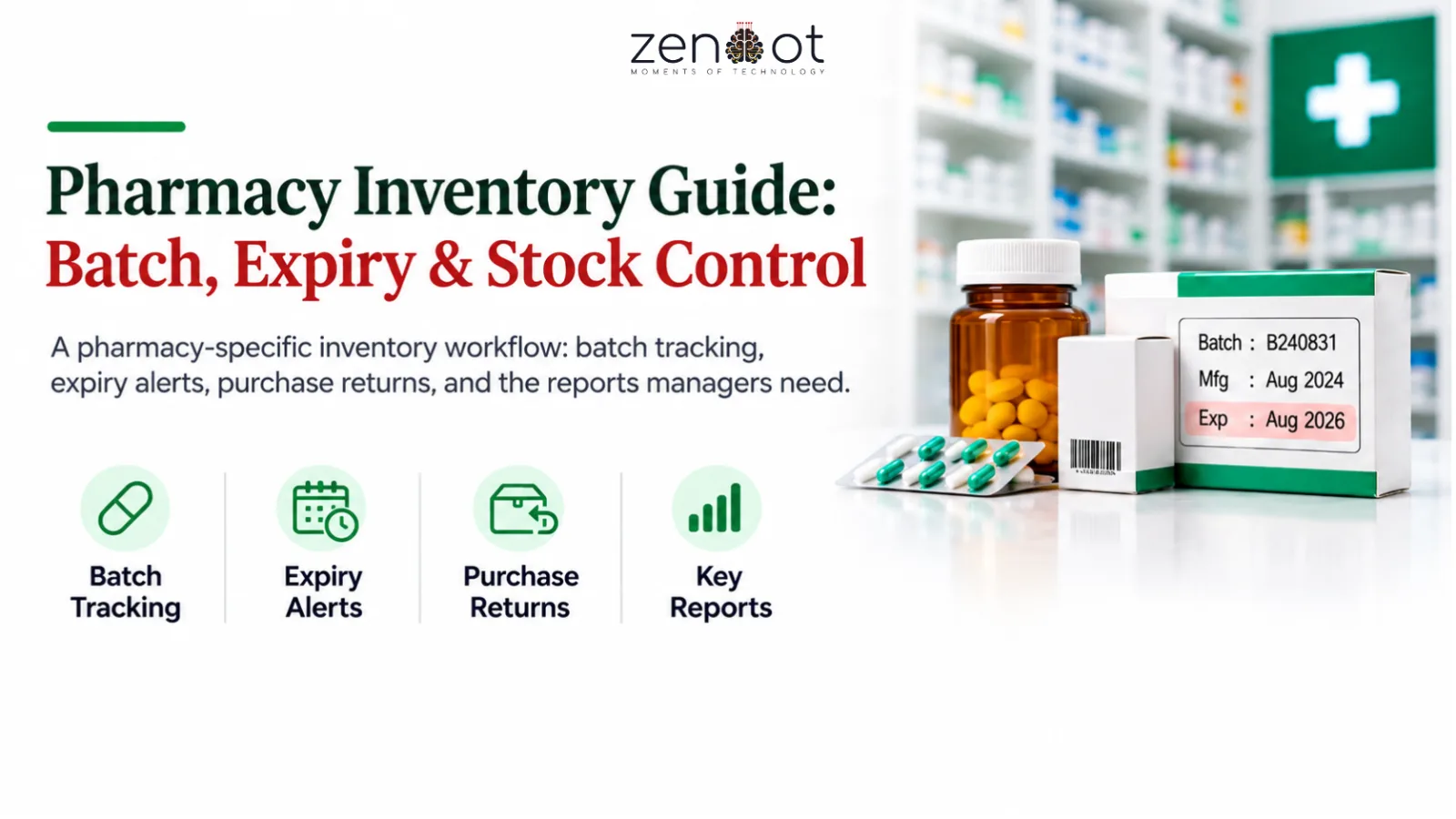
A pharmacy cannot treat inventory like a clothing store. The same medicine can exist in several batches with different expiry dates, purchase prices, and supplier terms. Selling the wrong batch creates expiry losses and audit problems.
This guide outlines the inventory workflow that pharmacy inventory software should support in Bangladesh, and the reports a manager should review weekly.
Why batch and expiry tracking matters
Batch tracking tells you which supplier stock a sale came from. Expiry tracking tells you when to stop selling it or return it. Without both, near-expiry stock sits behind newer stock and becomes a write-off.
The system should use first-expiry-first-out by default for dispensing, while still allowing a pharmacist to override with a reason. That override log is useful during audits and supplier disputes.
Core workflow
- Purchase entry with batch number, manufacturing and expiry dates, quantity, and purchase price.
- Dispensing that deducts from a specific batch and records the expiry date on the sale.
- Expiry buckets: 90, 60, and 30 days, with a quarantine action for stock that must not be sold.
- Supplier return workflow that reverses the batch quantity and tracks credit notes.
- Stock alerts for reorder levels, fast movers, and slow movers.
- Price change handling so old and new stock are valued correctly.
Purchase, returns, and supplier credit
Pharmacies often discover expiry problems at the counter. A better process catches them at purchase approval and again at the 90-day review. Build a consistent returns cadence with each supplier instead of handling it case by case.
- Record supplier return reason: near expiry, damaged, or wrong delivery.
- Link the return to the original purchase so the credit note is traceable.
- Track credit notes separately from cash refunds; they are not the same balance.
- Review supplier expiry performance monthly and adjust purchase volumes.
Reports a pharmacy manager needs
- Expiry exposure by value and supplier for the next 90 days.
- Stock valuation at cost and retail, split by batch status.
- Fast movers with stockout days, so reordering is based on demand.
- Slow movers with holding cost and last sale date.
- Purchase return and credit note aging.
Related resources
- Zendbot Pharmacy & Healthcare Inventory ERP
- Custom Software Development
- Inventory and Order Management Software for Ecommerce
- Ecommerce Reporting Dashboard Metrics
Frequently asked questions
Can I use a general inventory system for a pharmacy?
Only if it supports batch numbers, expiry dates, and first-expiry-first-out dispensing. General inventory systems usually track SKU quantity without batch-level control.
How often should we review expiry stock?
Review the 90-day bucket weekly and act on 60-day and 30-day stock immediately. Waiting until the last month leaves no time to return stock to suppliers.
Should dispensing allow batch override?
Yes, but require a reason and keep an audit log. Some prescriptions or stock conditions require choosing a different batch.
How do we handle price changes on existing stock?
Value each batch at its purchase price and apply the selling price at the time of sale. This keeps margin reporting accurate across price changes.
What is the biggest source of pharmacy stock loss?
Usually near-expiry stock that was not returned in time, followed by unrecorded supplier returns and manual stock adjustments.
Next step: Need batch-level control? Review the pharmacy inventory ERP or book a walkthrough with your SKU count.