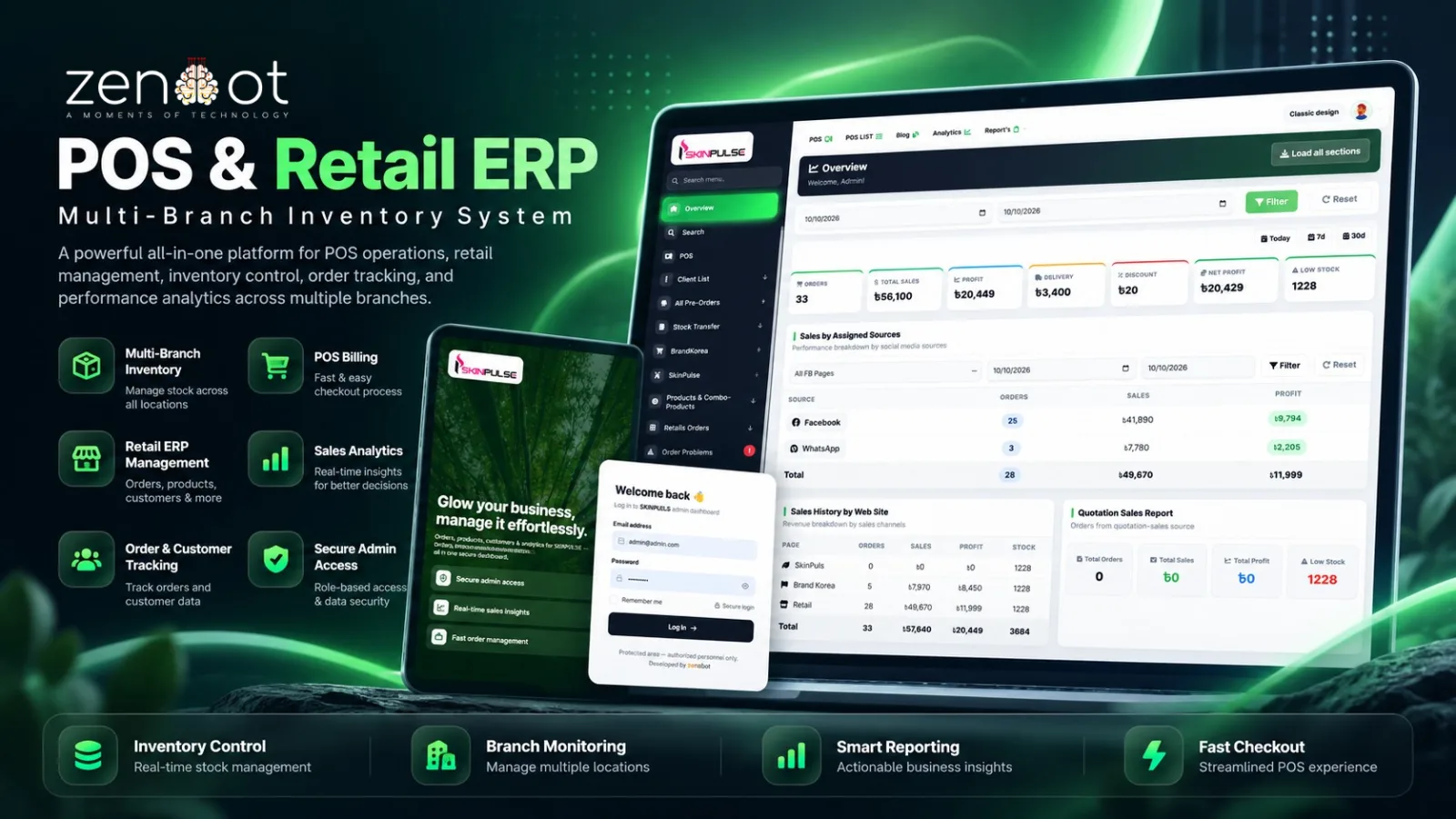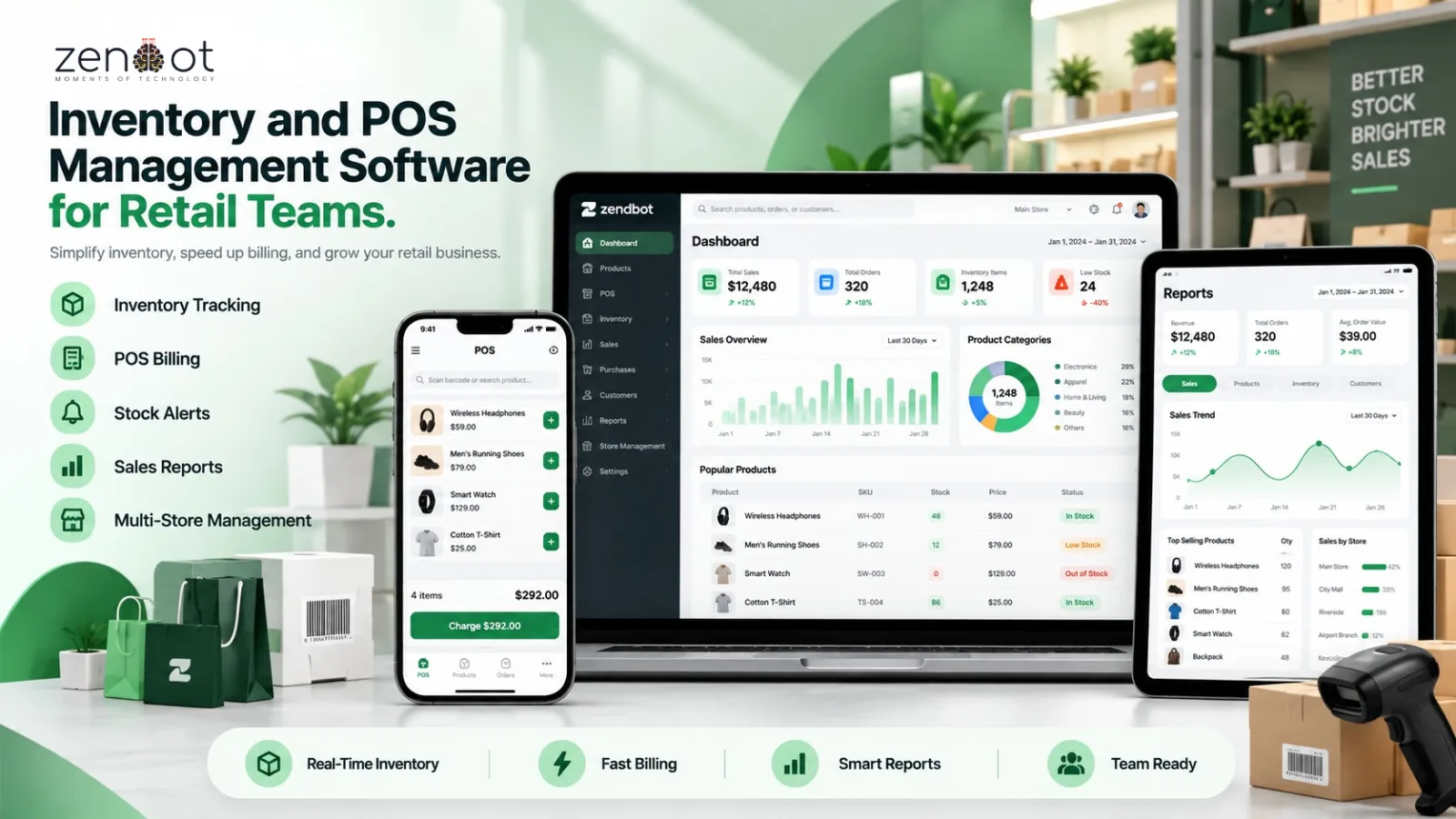
A second outlet does not double your inventory visibility; it halves it unless the system models branches properly. Stock that looks available at head office may already be on a shelf in another branch, or in a transfer van.
This guide covers the setup decisions for multi-branch POS and retail ERP software, including transfer states, permissions, and the reports that catch leakage.
What changes when you add a second branch
- Stock must be tracked per location, not just as one total quantity.
- Prices and promotions may differ by branch, but should be controlled centrally.
- Users need branch-scoped permissions so staff cannot sell another outlet stock by mistake.
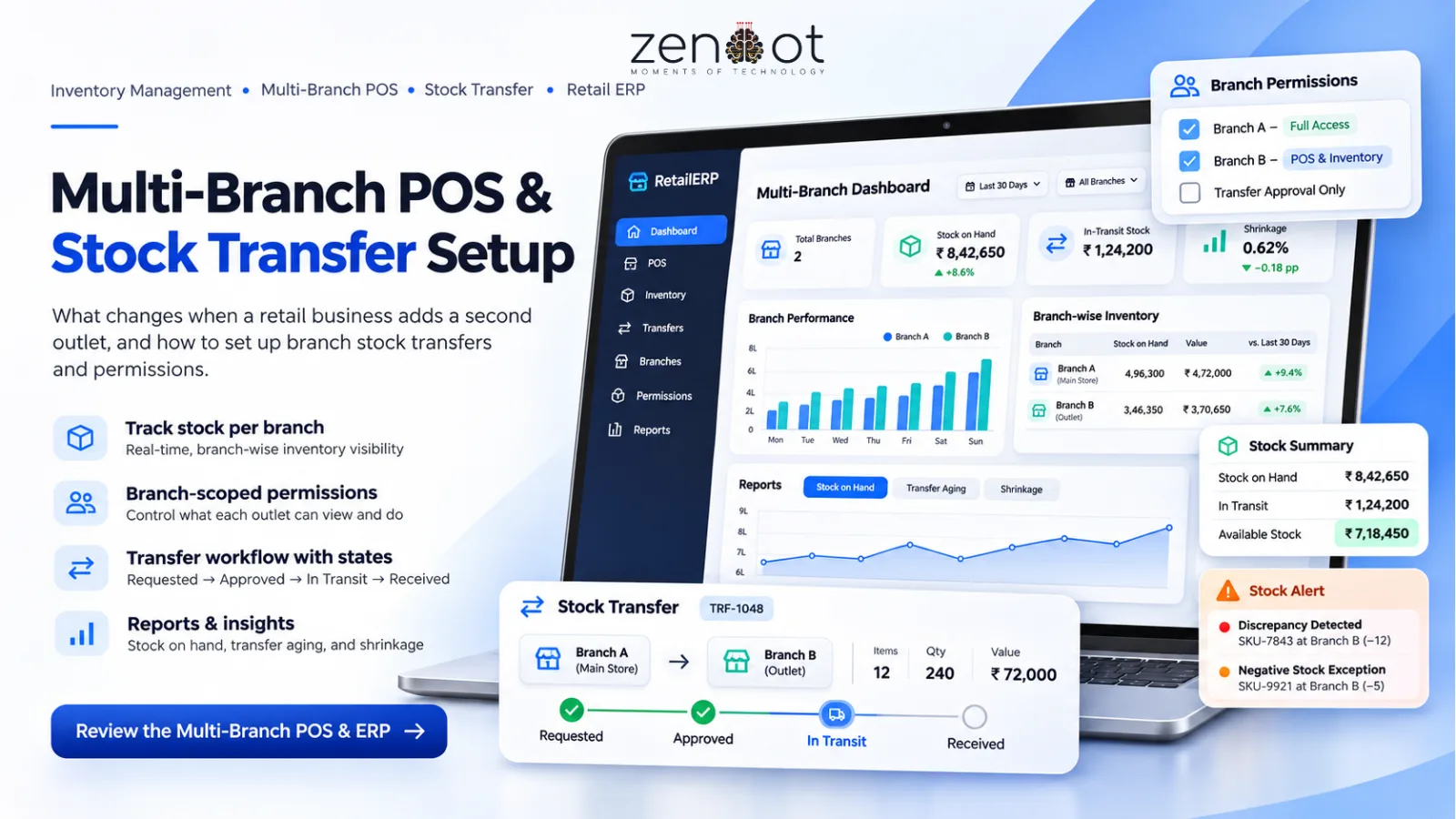
- Transfers need their own status: requested, approved, in transit, received, discrepancy.
- Reporting must compare branches on sales, margin, stock turns, and shrinkage.
Stock transfer workflow
The most common mistake is deducting stock at the sending branch before the receiving branch confirms. That creates phantom stock while the items are in transit. Model the transfer as a document with its own state.
- Requesting branch creates a transfer with items and quantities.
- Sending branch approves and packs; stock moves to in-transit, not directly to the destination.
- Receiving branch counts the delivery and confirms receipt.
- Discrepancies are recorded with a reason, and the transfer is closed.
Roles and permissions
- Cashier: sell, return, and view own-branch stock only.
- Branch manager: approve transfers, adjust stock with reason codes, and view branch reports.
- Warehouse: create and dispatch transfers, manage purchase receipts.
- Owner: all-branch visibility, price control, and audit logs.
Reports that expose problems
- Stock on hand by branch and SKU, including in-transit quantities.
- Transfer aging: transfers not received within the expected window.
- Negative stock exceptions, which usually indicate process gaps.
- Sales by branch and hour to plan staffing.
- Shrinkage and adjustment reasons by branch and user.
Related resources
- Zendbot POS & Retail ERP
- Custom Software Development
- POS and Ecommerce Integration in Bangladesh
- Inventory and Order Management Software for Ecommerce
Frequently asked questions
Can one POS system run two outlets?
Yes, if it supports branch-level stock, user permissions, and transfer documents. A single stock pool without branches will quickly become inaccurate.
When is stock deducted during a transfer?
At dispatch, move stock to an in-transit location. At receipt, move it to the destination branch. Do not deduct it from the total inventory twice.
Should pricing differ by branch?
It can, but control it centrally and document the rule. Uncontrolled branch pricing makes margin reporting and promotions unreliable.
How do we catch theft or shrinkage?
Use cycle counts, reason-coded adjustments, and per-user audit logs. Compare stock variance by branch and review patterns, not just totals.
What is the first report to review weekly?
Stock on hand plus in-transit by branch, followed by transfer aging. Those two reveal most multi-branch inventory gaps.
Next step: Running more than one outlet? Review the multi-branch POS and ERP or talk to us about your branch count.